Academics
DoodleForge
Draw it with a loop. A pen goes forward, turns, and repeats — and out comes a square, a star, a spiral, a flower. Read the little program (a for-loop, a turn, a growing length), predict the picture it draws, then watch the pen make it. The Logo turtle, re-imagined as a read-before-you-run puzzle — the clearest way to SEE what a loop does. A draw-with-code lab. Ages 9–14.
▶ Play it nowBuilt for sittings of about 20 minutes on the screen. That is our design budget, not a measurement.

Meet your mentor
Every Spark & Anvil app has a friendly mentor character that demonstrates, asks, and patiently scaffolds learning.
#7c3aed Characters who teach
Meet the cast
DoodleForge's pen pals each draw with one idea: repeat, turn and grow.
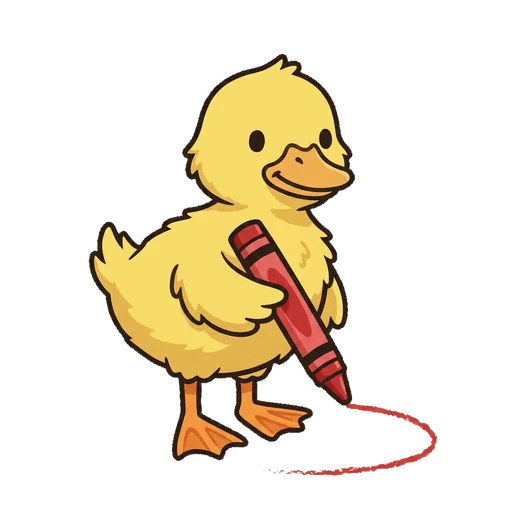
Wonky
(The one you teach) - picks a turn by feel and the shape won't close — you teach the full turn
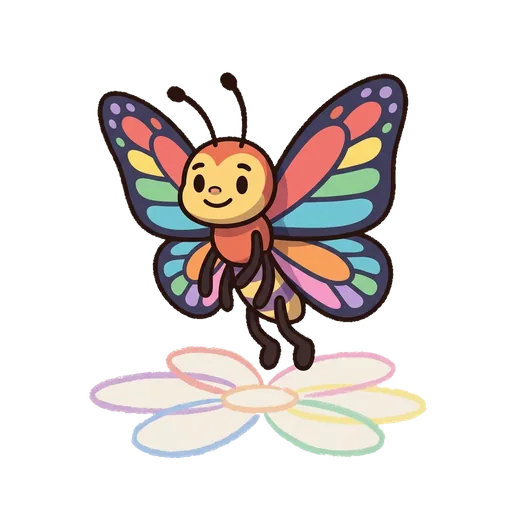
Rosette
draws a shape again and again, turning a little each time
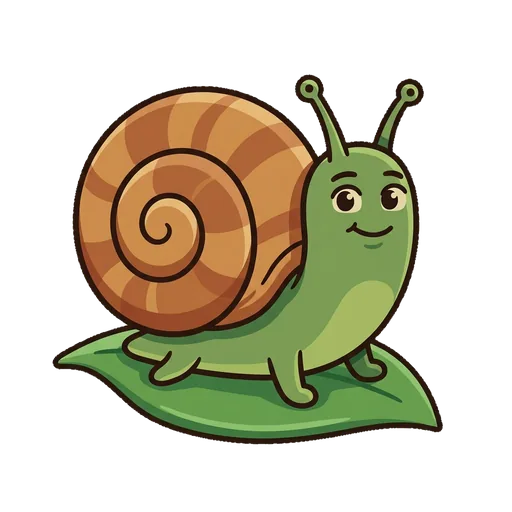
Curlicue
lets each side grow a little longer, into a spiral
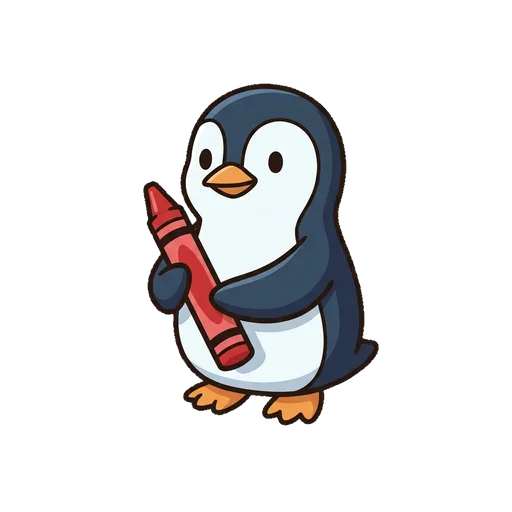
Penwick
counts the sides and keeps the pen on the page
What's inside
Learning goal
Draw it with a loop. A pen goes forward, turns, and repeats — and out comes a square, a star, a spiral, a flower. Read the little program (a for-loop, a turn, a growing length), predict the picture it draws, then watch the pen make it. The Logo turtle, re-imagined as a read-before-you-run puzzle — the clearest way to SEE what a loop does. A draw-with-code lab. Ages 9–14.
How DoodleForge handles your kid's data
- ✅ All progress, settings, and AI-generated content stays on the device
- ✅ No analytics, no tracking, no third-party SDKs
- ✅ Free — no ads, no in-app purchases
- ✅ No personal information collected from children — in line with COPPA (updated by the 2026 FTC amendments)
- ✅ No chat with strangers — play-together rooms use a short code and preset emotes, never typed messages